Here are three really useful filters to expose some font options that are hidden by default in the WordPress TinyMCE WYSIWYG editor: Continue reading …

Web Related technology, stories and or information..
Here are three really useful filters to expose some font options that are hidden by default in the WordPress TinyMCE WYSIWYG editor: Continue reading …
The default version of WordPress comes with an entire content directory full stuff you probably don’t want or need like the default themes and the hellodolly.php plugin unless your setting you your site for the very first time, even then probably not.
There is however a well hidden version of WordPress that comes minus a content directory, it’s purpose is to optimise WordPress’ auto update function, if you click the update WordPress button in the dashboard and watch carefully you’ll see a url similar to this flash up on your screen:
https://wordpress.org/wordpress-3.8.1-no-content.zip
simply substitute '3.8.1' with the version you require.
This is really handy if you’re managing your site with SVN or GIT or Composer and want to reduce the amount of clutter and extra files you download.
So.. since version 3.7 WordPress has had a neat auto-update function, unfortunately, WordPress is also quite cautious so it checks to see if the website is using any kind of Version Control and if so disables the auto update function. BUT what if your using version control but not to actually manage what version of WordPress is installed.
Luckily this line of code will override the “under version control” test of the auto update and re-enable automatic updates.
add_filter( 'automatic_updates_is_vcs_checkout', '__return_false');
re-enabling the auto-update functionality.

Written by WordPress veterans Chris Coyier and Jeff Starr, Digging Into WordPress is 400+ jam-packed pages of everything you need to get the most out of WordPress.
This is a great book if you just starting out with WordPress, it covers the basics of building and maintaining your own WordPress website all the way through some quite advanced topics.
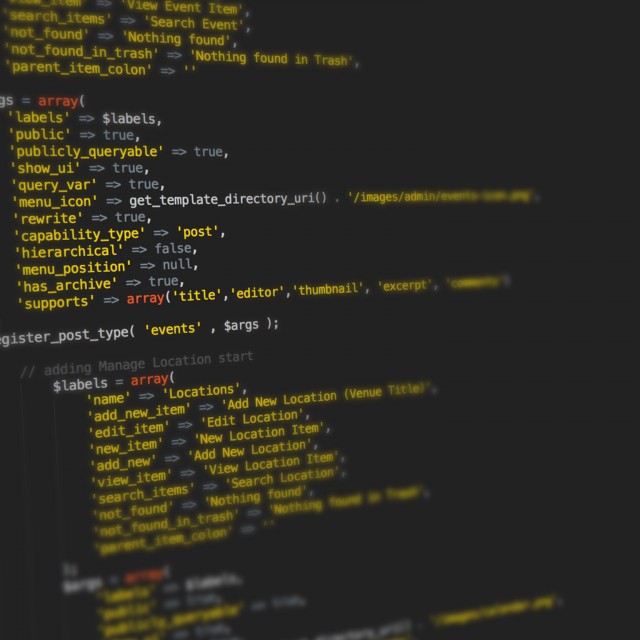
This is the fourth and final part of a MVC tutorial for Joomla that I relied heavily on whilst working with J00mla! and it went off line so I saved it for prosperity and personal gain…
This is part 3 of a MVC tutorial for Joomla that I relied heavily on whilst working with J00mla! and it went off line so I saved it for prosperity and personal gain…
This is part 2 of a MVC tutorial for Joomla that I relied heavily on whilst working with J00mla! and it went off line so I saved it for prosperity and personal gain…
This is a MVC tutorial for Joomla that I relied heavily on whilst working with J00mla! and it went off line so I saved it for prosperity and personal gain…
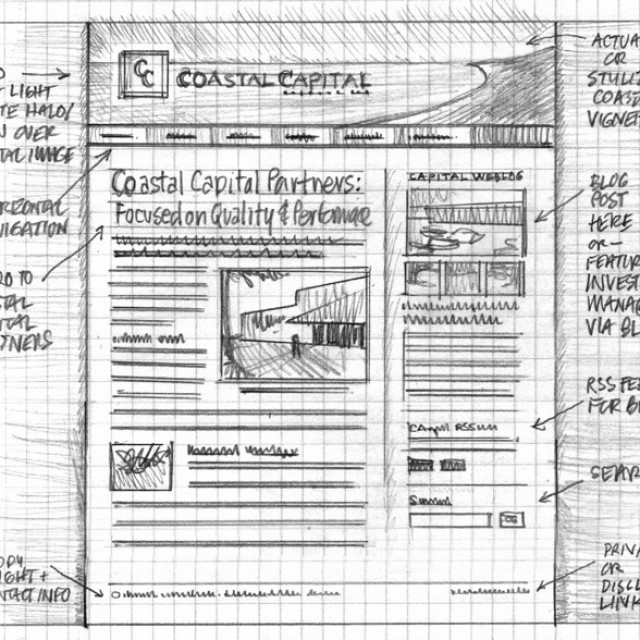
Yeah i can hear you all screaming GEEKK as i type… Well for the inner lazy geek recently a whole host of frameworks Continue reading …
“Script.aculo.us is an amazing framework for enriching your website’s user experience  very easily. Built on top of the very popular prototype javascript framework, scriptaculous makes AJAX cake, and gives everyone the power to have a sexy AJAX-powered website, yes everyone. Scriptaculous is a tiny (140kb) javascript framework that gives you the power of effects, several dynamic data components, and all you need to know is a little bit about HTML and how to read. If you already have your own website, it is not hard to do. Follow these steps to AJAX up your site in no time.”
This libarary is great and has some really nice effects but it can be aquard to use… from time to time.. see the origninal Download Squad artical for the gorey details and a handy cheatsheet or visit the Script.aculo.us home page.